After decoding pixel art and recreating it in MakeCode, it was my turn to design both the image and the coding sheet.
I created a pixelated solar system using MakeCode Arcade, carefully building the image square by square.
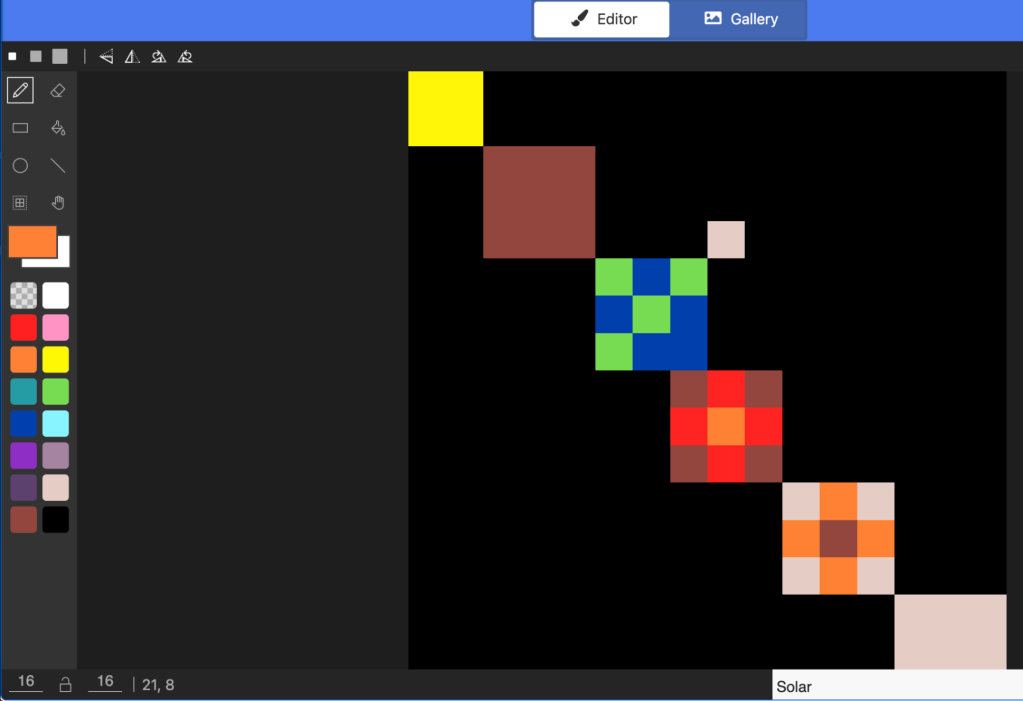
But the real challenge was not the artwork. It was generating the binary coding sheet that would allow someone else to recreate it.
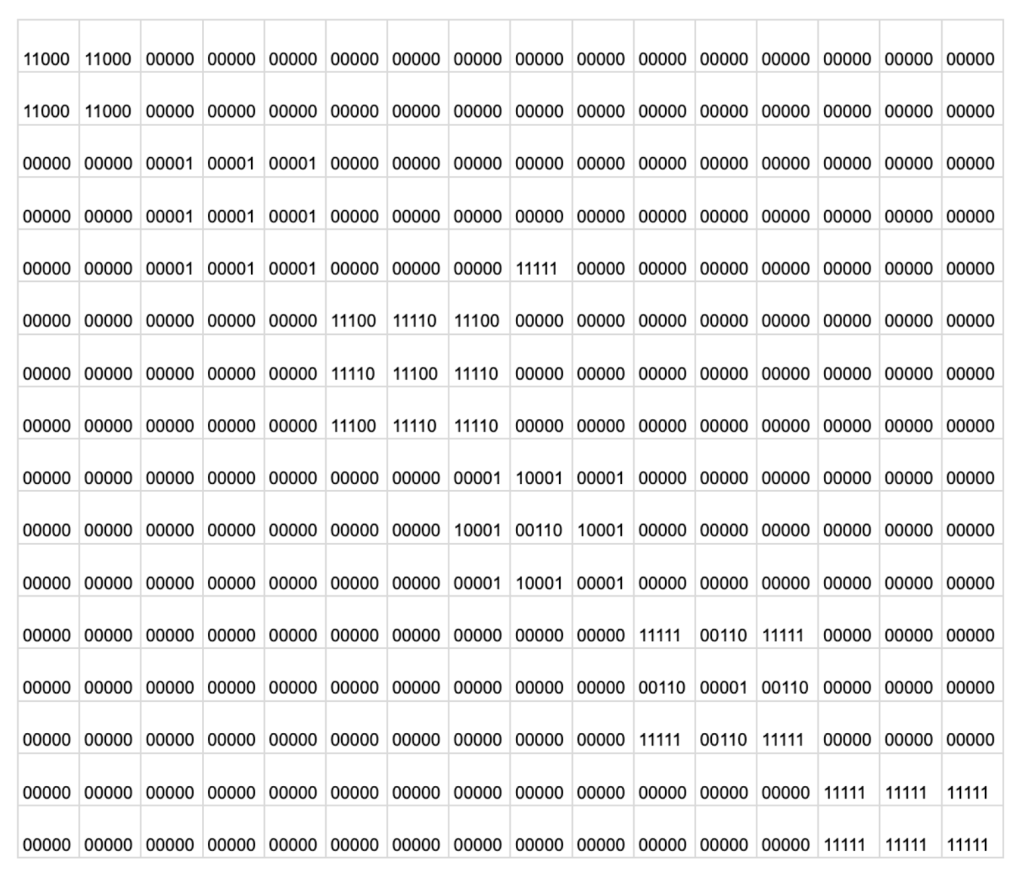
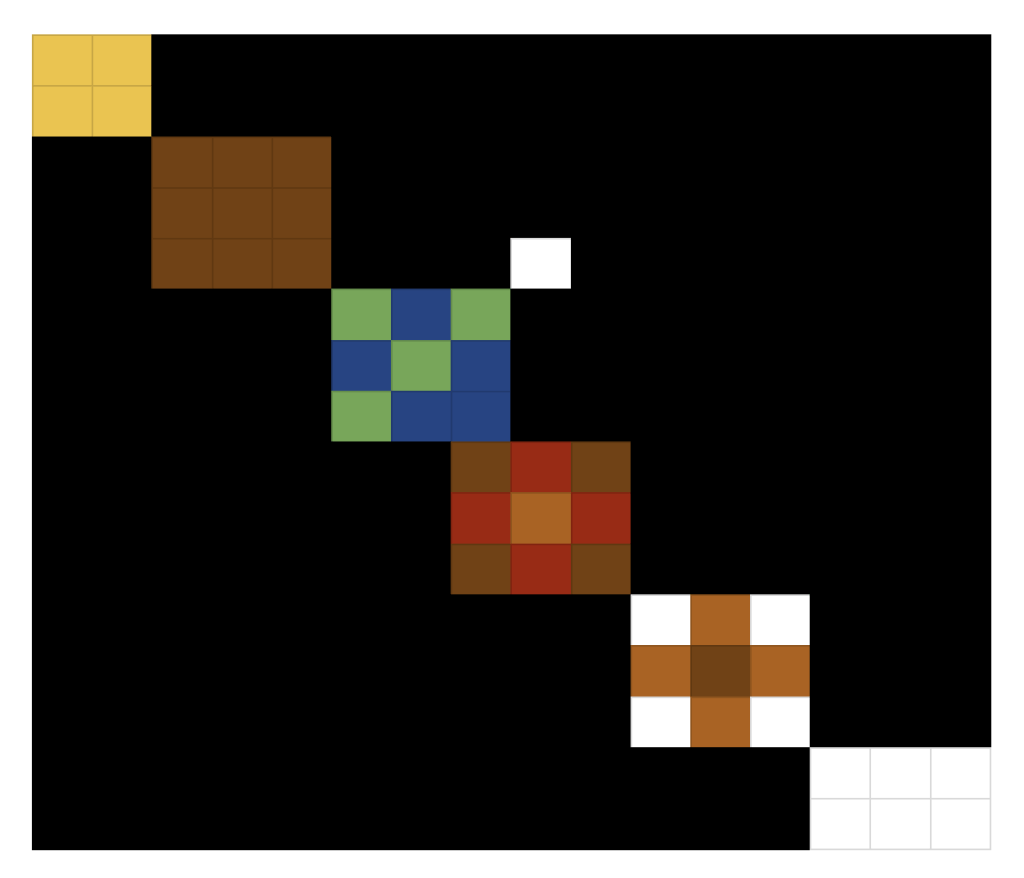
Instead of writing the binary values by hand, I used Google Sheets to organize the grid. I applied conditional formatting to reveal the image through binary patterns. I would consider myself very average at best with Google Sheets, so I likely spent more time on this than necessary. Still, it felt more efficient than attempting to draft the entire grid manually.
In this activity, I felt a shift.
Previously, I was following instructions and decoding someone else’s structure. This time, I was responsible for both the visual design and the logic behind it. I had to think about how each color would be represented in binary.
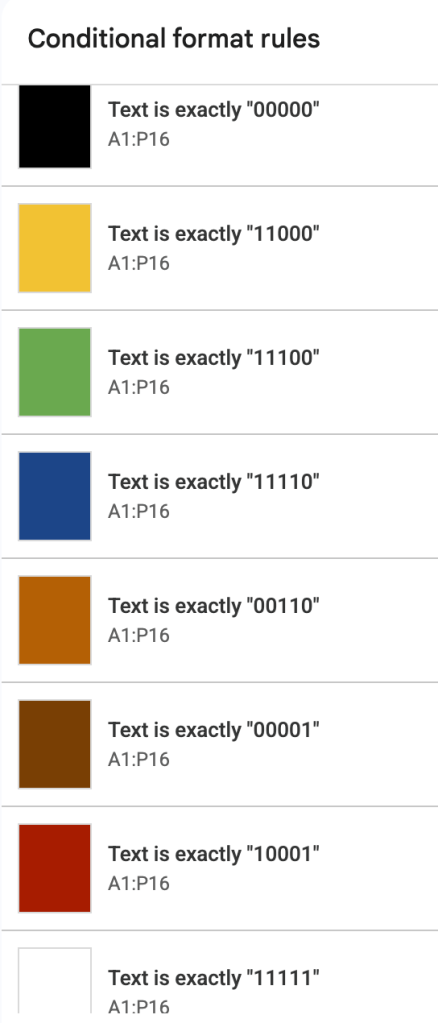
I had to ensure the patterns were consistent. I had to test whether the sheet would actually produce the intended image.
It required precision, but it also required perspective. I had to think not just as the creator of the art, but as the designer of the system.
What stood out to me most is how clearly abstraction and algorithmic thinking intersect here. The image itself is visual and creative. The binary grid underneath is structured and logical. One does not work without the other.
Taking it up a notch meant moving from decoding to designing.
And that shift felt significant.
 Alexis Flanders
Leave a comment