This week, I was introduced to Microsoft MakeCode Arcade. I had an inkling I would like it, but I quickly realized I loved it.
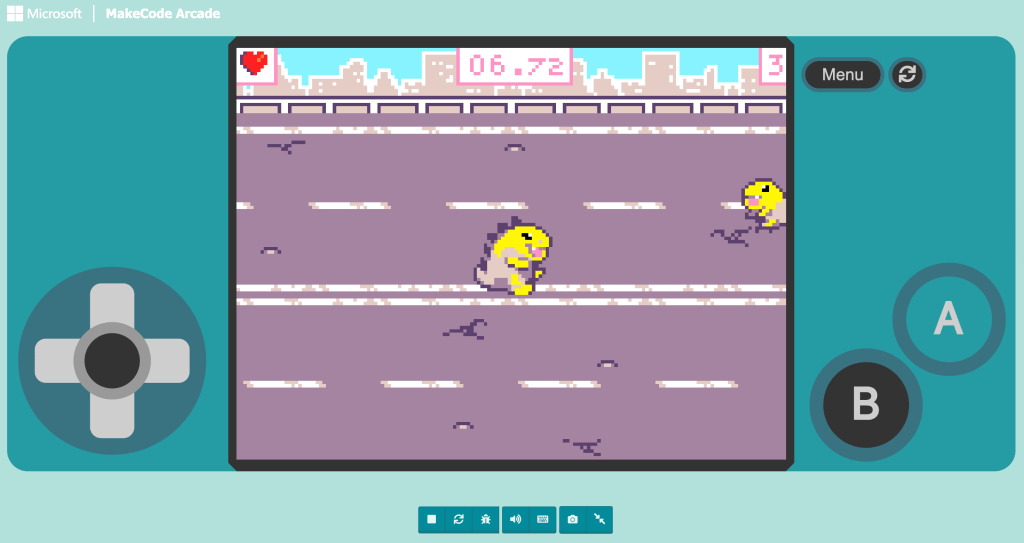
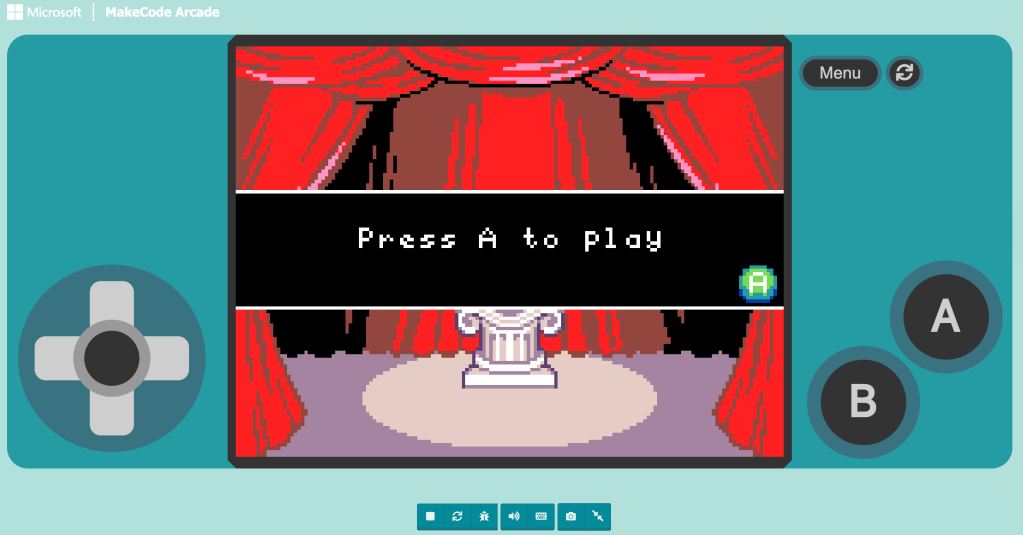
I began with the beginner skill map, working through guided projects to understand how sprites, movement, events, and scoring systems work together. My first two creations were simple games titled Animate It and Clicking Superstar.
What stood out to me immediately was how accessible MakeCode felt. It is free, visual, and the coding blocks are fairly intuitive. I could see my code and my game side by side. I tested something, adjusted it, and instantly saw the impact of my changes. That feedback loop made experimentation feel safe and manageable.
Even in these early projects, I was already engaging in computational thinking. I was decomposing tasks, recognizing patterns in block structures, sequencing events, and debugging when something did not behave as expected.
More than anything, I found myself thinking about my classroom. MakeCode removes so many barriers. It does not require expensive equipment or prior coding experience. It invites creativity while still demanding logic and precision.
That combination felt powerful.
Below are my first two projects from the beginner skill map:
 Alexis Flanders
Leave a comment